














Get a FREE Gummy or Vape
Sign up to get a FREE welcome vape or gummy on your first order when you buy 4 or more products.


Knowing how to use Torch vape devices correctly makes a difference in vapor quality, coil life, and overall experience. This guide covers how to use a Torch disposable vape for every model currently available at DeltaCloudz, including the Heavyweight Haymaker 4G, CRYO THCA Live Resin 7.5G, ONYX Liquid Diamond 5G, THCA Live Rosin 5G and 2.5G, Pressure Blend 3.5G, and both 6G formats (Pebble and Pulse). The steps are the same across all draw-activated models. The model-specific sections below cover button sequences, preheat modes, and digital display functions that differ between lines.
All Torch vapes are available at DeltaCloudz. Browse Torch vapes and gummies to see every available format and current stock.
===ARTICLE_CTA===
How to Use a Torch Vape: Step-by-Step
Step 1: Remove the Protective Cap
All Torch disposable vapes ship with a silicone or rubber mouthpiece cap. Remove it completely before your first draw. If you inhale without removing the cap, no airflow will reach the sensor and the device will not activate. The cap is not a power lock, it is a dust cover only.
Step 2: Inhale Slowly to Activate
All current Torch disposable models are draw-activated. No button press is required for the initial draw. Place your lips around the mouthpiece, create a light seal, and inhale slowly for 2 to 3 seconds. The sensor activates on airflow, not pressure. Slow, steady draws produce the best vapor and prevent the coil from overheating.
Step 3: Check the LED Indicator
Most Torch vapes include an LED indicator at the base of the device. During a draw the LED lights up to confirm the device is firing. If the LED blinks 3 to 5 times rapidly without producing vapor, the battery is low and needs recharging. If there is no LED response at all on a fresh device, check that the mouthpiece cap is fully removed and try a slower draw.
Step 4: Control Your Draw Length
Keep draws to 2 to 3 seconds maximum. Longer draws overheat the ceramic coil, which causes a burnt taste and reduces coil life. Allow 10 to 15 seconds between draws so the coil can cool. Chain drawing, taking multiple draws back to back without a pause, is the most common cause of harsh taste and premature coil degradation across all Torch lines.
Step 5: Recharge When Vapor Weakens
All current Torch disposable models include USB-C charging at the base of the device. When vapor production drops noticeably with oil still visible in the window, the battery is low. Connect via any standard USB-C cable at 5V. Charge time is typically 20 to 45 minutes depending on the model capacity. Do not use the device while charging.
Step 6: Store Upright at Room Temperature
Store Torch vapes upright when not in use. Storing horizontally causes the concentrate to migrate toward the mouthpiece, which can block the airway or create a flooded coil. Keep away from heat above 80F and direct sunlight, which degrades terpenes and cannabinoid concentration over time.
-
===PRODUCT_9099087446308===
-
===PRODUCT_9093808259364===
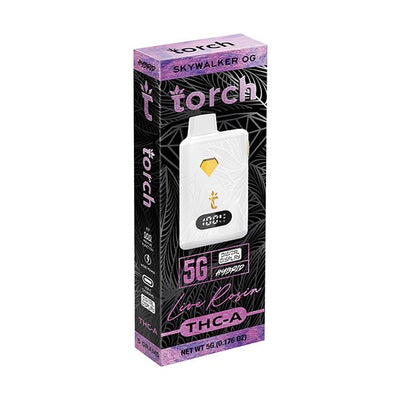
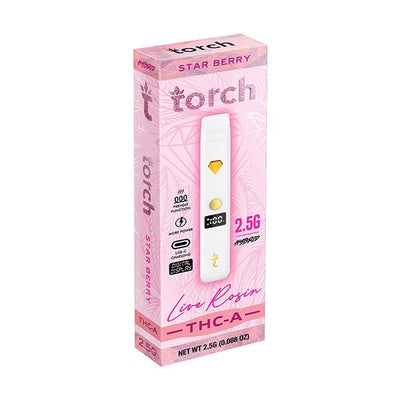
The THCA Live Rosin 5G and 2.5G are the most straightforward to use in the Torch lineup. Draw-activated, ceramic coil, USB-C rechargeable. For the full selection, shop Torch Live Rosin 5G at DeltaCloudz.
How to Use the Torch Heavyweight Haymaker Disposable 4G
The Torch Heavyweight Haymaker 4G is a button-activated model, which is different from the draw-activated steps above. Using it correctly requires the button sequence below.
Power on: click the button 5 times rapidly within 2 seconds. The LED flashes 3 times to confirm power-on. The device will not fire on a draw until it is powered on. Power off: click 5 times again. Preheat mode: double-click the button to activate a 10-second low-heat preheat cycle, which warms thick concentrate before your first draw of the session. This is especially useful in cold environments where the oil thickens.
Draw technique for the Haymaker 4G: hold the button while inhaling. Release the button before you stop inhaling. Do not release mid-draw and continue inhaling, this cuts the heating cycle while airflow continues, which pulls un-vaporized oil into the airway. Recommended draw length: 2 to 3 seconds while holding the button.
-
===PRODUCT_9510861996324===
-
===PRODUCT_8895815909668===
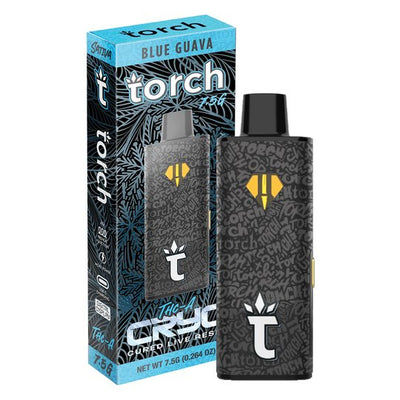
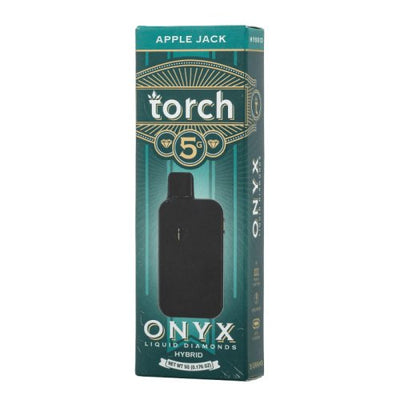
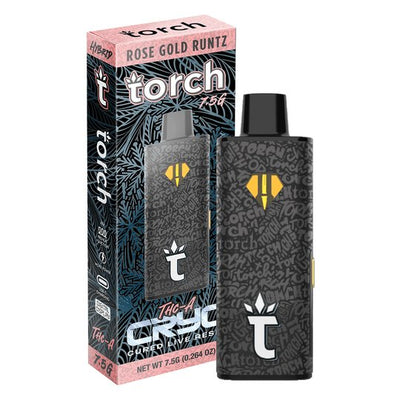
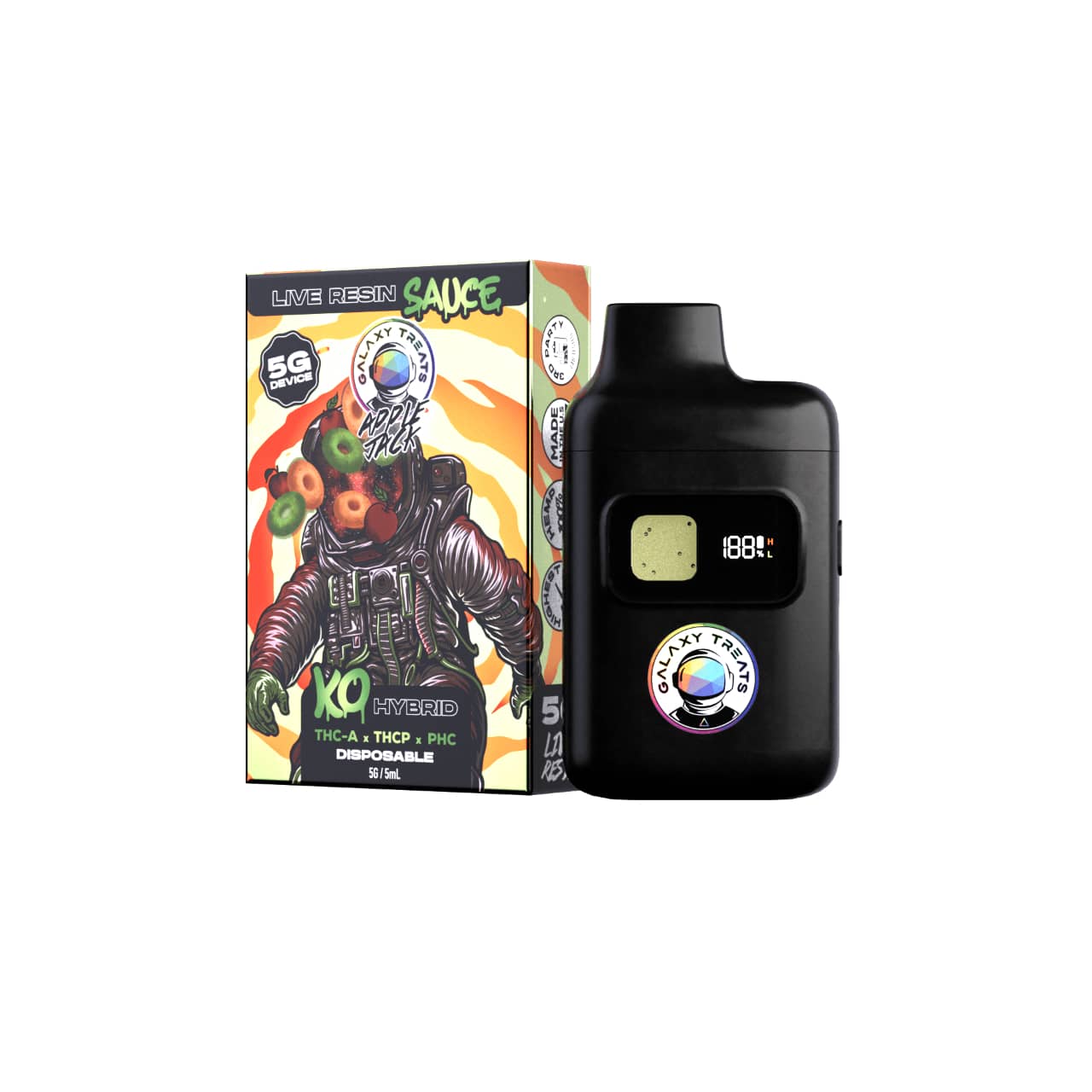
The CRYO THCA Live Resin 7.5G (Blue Guava shown) and ONYX Liquid Diamond 5G (Apple Jack shown) also use button-activated operation with the same 5-click power sequence as the Heavyweight Haymaker. Shop the ONYX collection and the CRYO collection at DeltaCloudz.
How to Use Torch Liquid Diamond and ONYX Vape Pen
The Torch ONYX Liquid Diamond 5G and CRYO THCA Live Resin 7.5G use the same button-activated operation as the Heavyweight Haymaker above, with one additional feature: voltage adjustment.
Voltage adjustment on ONYX and CRYO: click the button 3 times to cycle between voltage settings. The LED color changes with each click to indicate the current voltage. Low voltage (typically indicated by white or blue LED) = cooler vapor, fuller terpene flavor, recommended for the Live Rosin and Liquid Diamond concentrates. Medium voltage (green LED) = balanced vapor and potency. High voltage (red LED) = maximum vapor production, but concentrate degrades faster and the draw can turn harsh. Start at low voltage and move up only if vapor production is insufficient.
The preheat function on ONYX and CRYO is more important than on other models because liquid diamond concentrate is significantly thicker than live resin oil. Before the first draw of each session, double-click to run the preheat cycle. This prevents a restricted first draw and avoids drawing cold, un-vaporized concentrate through the airway.
-
===PRODUCT_8899123773732===
-
===PRODUCT_9510826115364===
Torch Vape Models by Size: Settings for Each Format
| Format | Activation | Preheat | Voltage adjust | Estimated draws |
|---|---|---|---|---|
| 2.5G Live Rosin | Draw only | No | No | 1,500 to 2,500 |
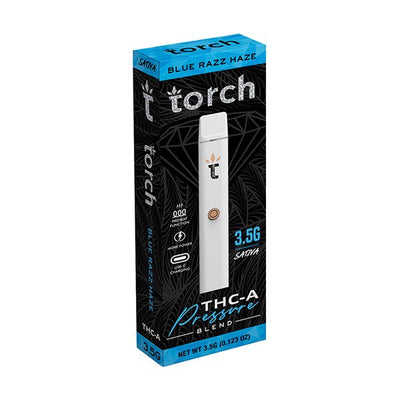
| 3.5G Pressure Blend | Draw only | No | No | 2,000 to 3,000 |
| 4G Heavyweight Haymaker | Button (5-click) | Yes (2-click) | No | 2,500 to 3,500 |
| 5G THCA Live Rosin | Draw only | No | No | 3,500 to 5,000 |
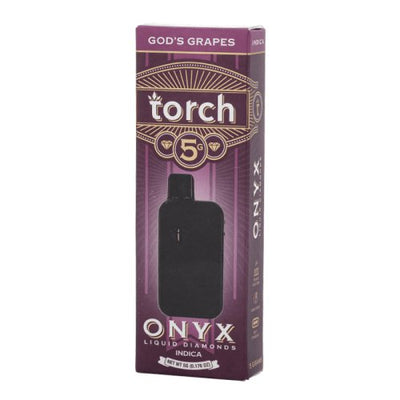
| 5G ONYX Liquid Diamond | Button (5-click) | Yes (2-click) | Yes (3-click cycle) | 3,500 to 5,000 |
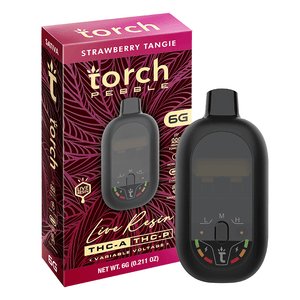
| 6G Pebble / Pulse | Draw only | No | No | 4,000 to 6,000 |
| 7.5G CRYO Live Resin | Button (5-click) | Yes (2-click) | Yes (3-click cycle) | 6,000 to 8,000 |
-
===PRODUCT_9100753076516===
-
===PRODUCT_9518476951844===
The Pressure Blend 3.5G and Pebble 6G are the simplest formats to use. No button sequence, no voltage adjustment, draw and inhale. Shop Torch Pressure Blend and Torch Pebble 6G at DeltaCloudz.
Torch Vape Troubleshooting
Device Will Not Activate (No Vapor, No LED)
Check that the mouthpiece cap is fully removed. Try a slower, steadier draw, the airflow sensor on draw-activated models requires sustained airflow, not a short sharp puff. For button-activated models (Haymaker 4G, ONYX 5G, CRYO 7.5G), confirm the device is powered on with the 5-click sequence. If the LED does not respond to 5 clicks, the battery needs charging.
Burnt or Harsh Taste
Shorten draw length to 2 seconds and allow 15 seconds between draws. Lower voltage to the lowest setting if your model has voltage adjustment. If harsh taste persists after lowering voltage and shortening draws, the coil may be at end of life or the concentrate is nearly depleted. Check the oil window to assess remaining volume.
Weak Vapor with Oil Still Visible
Battery is low. Connect via USB-C and charge for 20 to 30 minutes before trying again. For ONYX and CRYO models, run the preheat cycle after charging, thick concentrate cools and thickens when the device is not in use, which restricts the first draw of each session.
Restricted Airflow or Clogged Mouthpiece
Condensation and concentrate can accumulate in the airway after extended use. Clear it by taking one firm draw without activating the device (for draw-activated models) or by using the preheat function (for button-activated models). If blockage persists, clean the mouthpiece opening gently with a dry cotton swab. Do not insert anything into the airway deeper than the mouthpiece opening.
Frequently Asked Questions:
How do you use a Torch vape for the first time?
Remove the protective mouthpiece cap, then inhale slowly for 2 to 3 seconds. All draw-activated Torch models (Live Rosin 2.5G and 5G, Pressure Blend 3.5G, Pebble 6G, Pulse 6G) require no button press, just inhale to activate. For button-activated models (Heavyweight Haymaker 4G, ONYX 5G, CRYO 7.5G), click the button 5 times to power on before drawing.
How do you turn on a Torch vape?
Draw-activated models turn on automatically when you inhale, no button needed. Button-activated models (Heavyweight Haymaker, ONYX, CRYO) require 5 rapid clicks to power on. The LED flashes 3 times to confirm. 5 clicks again to power off. If the device does not respond to the 5-click sequence, charge it via USB-C first.
How do you use the Torch Heavyweight Haymaker 4G?
Click the button 5 times to power on. Double-click to run the preheat cycle before your first draw of the session. Hold the button while inhaling for 2 to 3 seconds, then release the button before stopping your draw. Click 5 times to power off when done. The Haymaker 4G is button-activated, which differs from most other Torch disposable models.
Can I recharge a Torch disposable vape?
Yes. All current Torch disposable models include a USB-C port at the base of the device. Connect with any standard USB-C cable at 5V output. Charge time ranges from 20 minutes for small-format models to 45 minutes for 6G and 7.5G formats. Charge when vapor production drops and oil is still visible. Do not charge overnight or use the device while charging.
Why is my Torch vape not hitting?
Check the mouthpiece cap is removed. For draw-activated models, inhale more slowly. For button-activated models, confirm the device is powered on (5 clicks) and charged. If there is no LED response on a charged device, run the preheat function to warm thick concentrate. If still no vapor after all steps, the coil may be at end of life or the device is defective.
How do I know when my Torch vape is empty?
Check the oil window on your device. When no oil is visible and vapor production has stopped despite a full charge, the device is at end of life. Some models produce a slightly different flavor character (slightly sweeter or more caramelized) in the final draws as the last concentrate is consumed. This is normal and not a sign of device malfunction.
All Torch products sold at DeltaCloudz are hemp-derived and contain less than 0.3% Delta-9 THC by dry weight, compliant with the 2018 Farm Bill. Intended for adults 21 and older. Do not use if pregnant or nursing. Not available in all states. These statements have not been evaluated by the FDA.