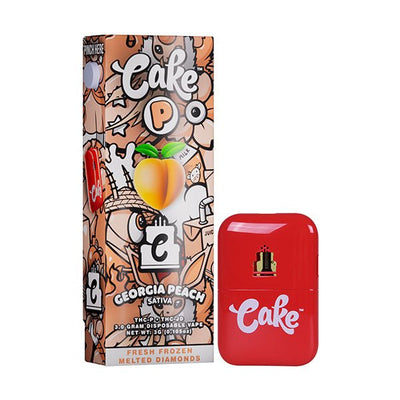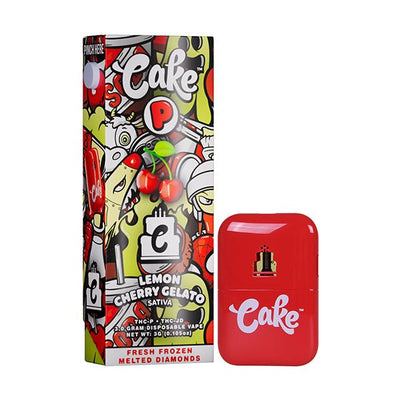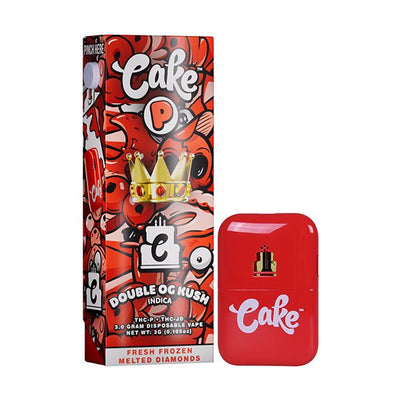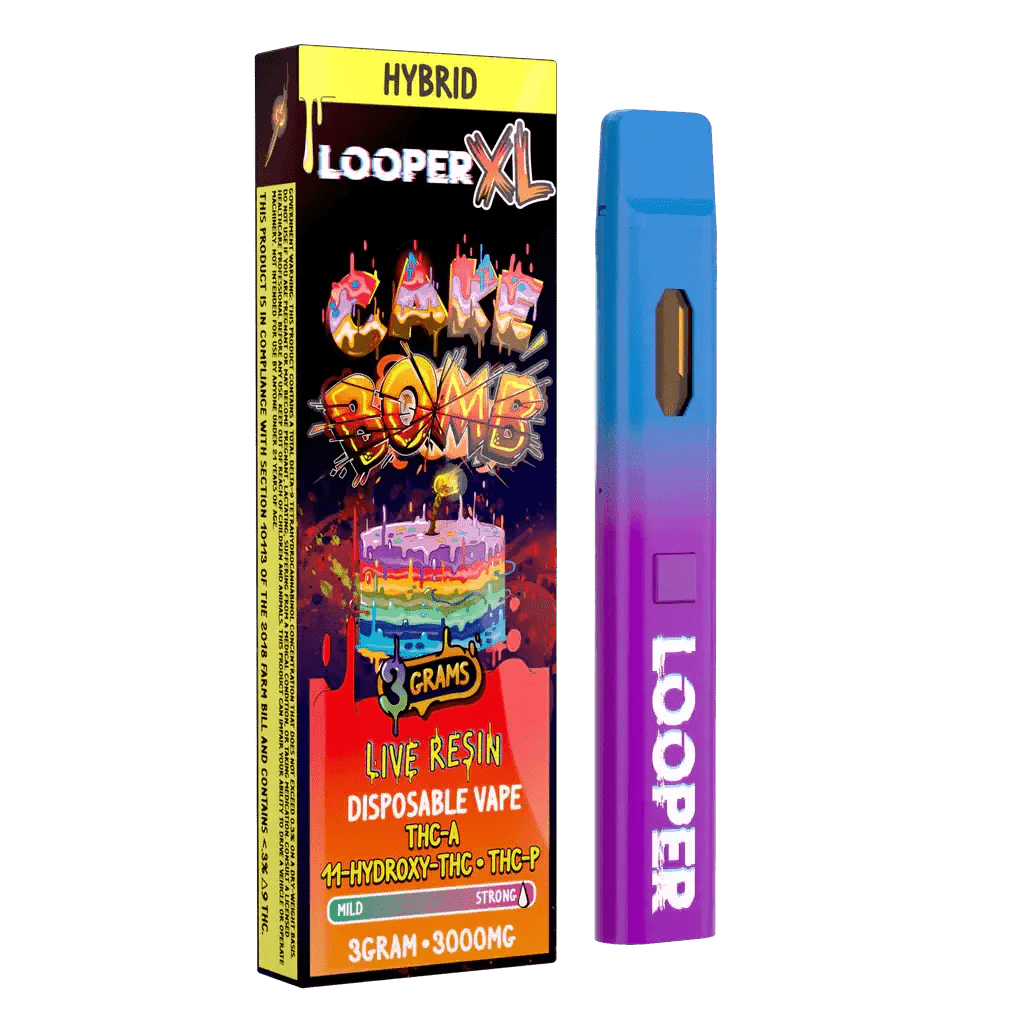

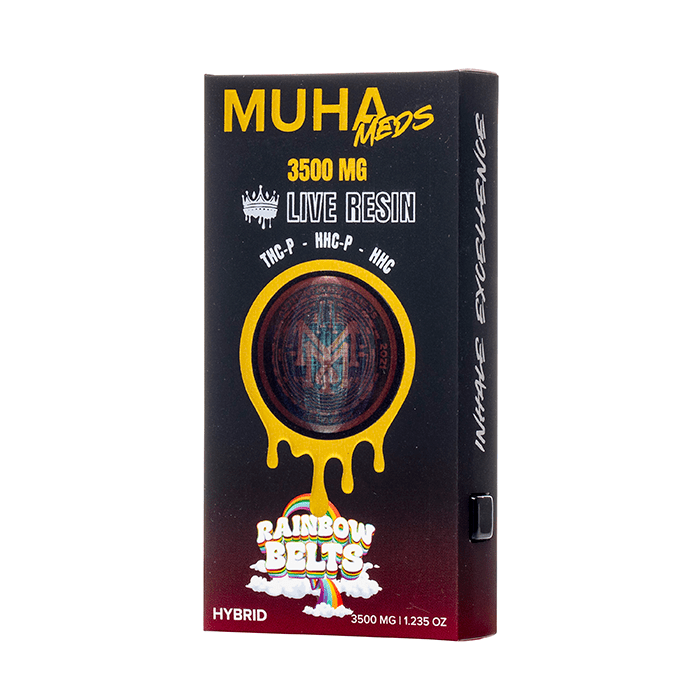


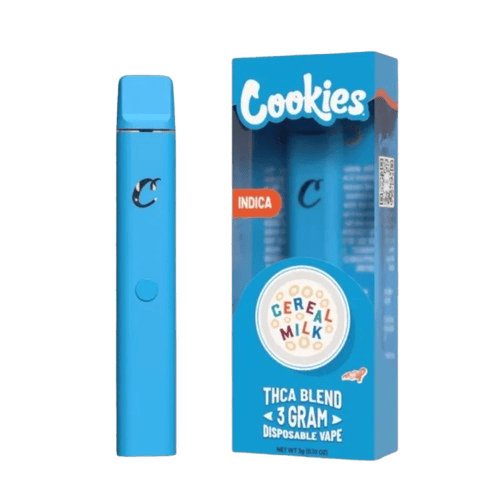


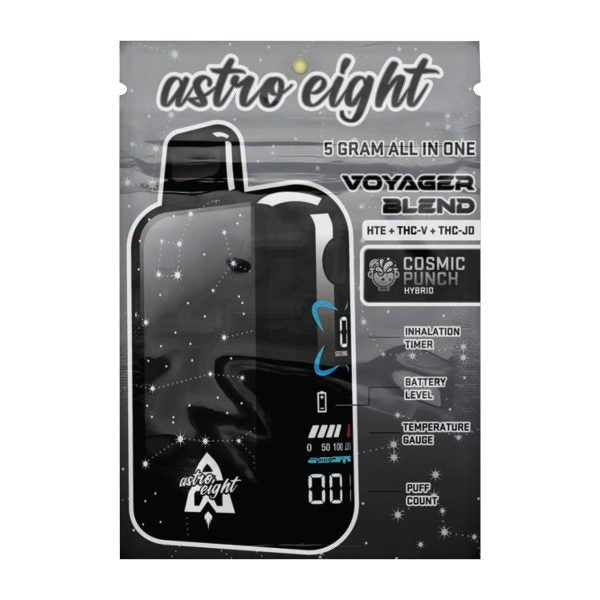









Get a FREE Gummy or Vape
Sign up to get a FREE welcome vape or gummy on your first order when you buy 4 or more products.


Need cake vape pen instructions that actually work in 2026? This guide walks you through exactly how to use a Cake device from unboxing to your first pull, plus charging instructions, temperature settings, and what to do when something goes wrong.
Whether you have a draw-activated disposable or a button-activated model, we cover both. You'll learn the right inhale technique to avoid burnt hits, how to charge your device correctly, and troubleshooting for common issues like weak vapor, clogging, and blinking lights. All products are lab-tested and authentic. Browse the Cake collection to see current inventory.
===ARTICLE_CTA===
How to Use a Cake Vape Pen: Quick Start
Q: How do I use a Cake vape pen for the first time?
A: Remove any silicone plugs, check whether it's draw-activated or button-activated, then take a slow 2 to 4 second pull and wait 20 to 60 seconds between hits for the coil to re-saturate.
Q: How do you turn on a Cake vape pen?
A: If it has a button, press it 5 times quickly to power on. If there's no button, it's draw-activated and activates when you inhale.
Q: What's the best inhale technique to avoid burnt hits?
A: Use gentle mouth-to-lung pulls, keep draws slow (2-4 seconds), and pause between hits so the coil cools and the mouthpiece doesn't clog from condensation.
Shop all Cake vapes, Delta-8, THCA and THC-P models in stock now.
Cake Vape Instructions: Quick Steps
-
Unbox and inspect packaging, mouthpiece, and oil window if your model has one.
-
Identify activation type: draw-activated means inhale to use; button-activated means press the button 5 times to power on.
-
Inhale slowly for 2 to 4 seconds, then pause between hits to prevent harsh vapor and burnt flavor.
-
Adjust temperature (if available) to protect flavor and reduce throat irritation.
-
Charge via USB-C if the device feels weak. All current Cake models use USB-C charging. Having trouble? Check our troubleshooting guide for common fixes.
Unboxing and Getting Started
When you first get your Cake vape pen, work through this checklist before you take your first hit:
-
Unbox carefully: Remove the device and check the box and packaging for damage or tampering.
-
Check for leaks or cracks: Make sure the mouthpiece is intact and the device isn't leaking oil or liquid.
-
Remove protective covers: Many models include silicone caps or plugs that block airflow. Remove them completely so the device can produce vapor.
Using a Draw-Activated Cake Vape Pen
Many Cake disposables are draw-activated, meaning they start working as soon as you inhale. This is the simplest cake vape how to use method for beginners.
-
Hold the vape properly: Keep the mouthpiece comfortable and the device upright so oil doesn't leak toward the battery.
-
Inhale gently: Use slow, steady draws for smoother vapor and better flavor extraction.
-
Pause between hits: Waiting 10-20 seconds helps prevent burnt flavor, hot vapor, and dry hits.
If a draw-activated device feels clogged, don't pull harder. That makes clogs worse and causes spitback. Instead, see our unclog guide for step-by-step fixes.
Using a Button-Activated Cake Vape Pen
-
Power on: Press the power button five times quickly to turn the device on. The LED should flash or change color to confirm.
-
Press and hold to inhale: Hold the button while taking a slow pull through the mouthpiece.
-
Adjust settings if available: Press the button three times to cycle through temperature or voltage settings, usually low, medium, high.
-
Turn off: Press the button five times quickly to power off and save battery.
Tip: If your button-activated Cake feels weak or unresponsive, try charging first. Most button models have a USB-C port at the bottom.
How to Switch Flavors on a Cake Dual Flavor Vape
Some Cake devices like the dual-flavor and switch models hold two flavors in one pen and let you toggle between them.
Look for a small switch or slider on the body of the pen, usually near the base or along the side. Slide it toward the flavor you want. Most models have the two flavor names printed next to each position. Some newer versions use a button instead: a quick double-click flips between the two tanks, and a small light or display shows which flavor is active.
You can switch back and forth as often as you like. Mixing flavors isn't a concern since each flavor draws from its own separate tank. If the flavor doesn't change after you toggle, take one or two short priming pulls. The new tank sometimes needs a moment to feed oil to the coil.
Shop all in stock Cake dual-flavor models
Adjusting Settings for a Better Experience
Some Cake models let you change temperature or voltage. Here's how to use each setting:
-
Low temperature (2.8V): Best for smooth, terpene-forward flavor and lighter vapor. Easier on your throat if you're sensitive.
-
Medium temperature (3.4V): Balanced option for flavor and stronger vapor output. Recommended for most users.
-
High temperature (3.8V): Stronger effects and thicker vapor, but it can feel harsher and burn through oil faster if you chain vape.
Start on low or medium if you're new to temperature control, then adjust slowly until you find the sweet spot for smooth pulls without irritation. Browse the Cake collection to filter by model type and cannabinoid.
Types of Cake Vape Pens
Cake offers several formats, and the instructions vary slightly by device style:
-
Draw-activated disposables: No buttons, inhale to activate, simplest for first-time users. No charging needed.
-
Button-activated disposables: More control and settings on some models. Usually rechargeable.
-
Rechargeable models (3G, 7G): Designed for longer sessions and multiple charging cycles. USB-C charging port at the bottom.
Regardless of format, the biggest performance factors are airflow (don't pull too hard), battery level (charge when weak), and how you inhale (slow and steady wins). Want to know what effects to expect? Read about Cake effects and how different models perform.
Cake is one of the most recognized names in hemp-derived delta-8 disposables. If you want to explore other brands, see our delta-8 collection with top-rated options from multiple brands.
Shop Cake vapes now, every model and cannabinoid type in stock.
-
===PRODUCT_9960314306852===
-
===PRODUCT_10071542694180===
Cake 3G/7G Charging Instructions
Current Cake devices use USB-C charging. Follow these steps to protect the battery and keep hits consistent:
-
Locate the USB-C port at the bottom of the device.
-
Use a standard USB-C cable and a wall adapter or computer port. Avoid fast-chargers unless the manual specifies they're compatible.
-
Check the LED indicator: A light turns on or blinks while charging. When fully charged, it turns off or changes color (check your manual).
-
Typical charge time: Most 3G and 7G devices take 45 to 120 minutes depending on remaining battery.
-
Unplug when full: Don't leave it charging overnight to preserve battery life and prevent degradation.
Pro tip: If your device blinks when you try to hit it, charge it first. If it still blinks after charging, the airflow path may be blocked. See our unclog guide for step-by-step fixes.
What Charger Does a Cake Cart Use?
Cake carts and disposables charge with a standard USB-C cable, the same kind that powers most modern phones and tablets. There's no proprietary charger needed.
Plug into a normal USB port or a low-wattage wall adapter, not a fast-charger. Cake batteries are small, and a fast-charger can push too much current and damage the battery. If the light doesn't come on when you plug it in, try a different cable before assuming the device is dead. Worn or damaged cables are the most common culprit.
For the 3G and 7G models specifically, a full charge from empty takes roughly 45 minutes to an hour. You'll know it's done when the indicator light turns solid or switches off, depending on the model.
How to Maintain Battery Life
-
Use a compatible USB-C cable: Stick to cables that fit properly without forcing.
-
Don't chain vape: Back-to-back hits overheat the coil, drain the battery faster, and can cause burnt flavor.
-
Store at moderate temperatures: Extreme heat or cold reduces battery performance and can thicken oil, making hits weaker.
-
Charge before the battery dies completely: This preserves lithium-ion battery health over time.
Cake Vape Pen Common Problems and Quick Fixes
-
No vapor production: Weak battery, clogged airflow, device off (if button-activated). Fix: Charge the device, try gentle pulls, check if it's powered on.
-
Weak or burnt flavor: Low battery, coil needs to cool, temperature too high. Fix: Charge it, wait 10-20 seconds between hits, lower temperature setting.
-
Clogged airflow: Condensation buildup in mouthpiece. Fix: Use only gentle pulls, don't force it. See our unclog guide for techniques that work.
-
Device won't turn on (button models): Dead battery, stuck button. Fix: Charge for 30 or more minutes, try pressing the button firmly 5 times.
-
Blinking light while hitting: Battery dying, thermal protection (coil overheating). Fix: Charge immediately, wait longer between hits, reduce pull duration.
For detailed step-by-step troubleshooting, read our full troubleshooting guide.
How to Choose the Right Cake Vape Pen for You
Use these quick filters when shopping to find the Cake vape that best suits your needs:
-
Flavor preference: Choose profiles you like and use lower temperatures if you want maximum flavor retention.
-
Effect needs: Different cannabinoids feel different. Delta-8 is relaxing, THCA is potent, THC-P is very strong. Check the product label and start with small pulls.
-
Model preference: If you want the simplest option, choose draw-activated (no buttons to learn). If you want more control over temperature and power, choose button-activated.
-
Capacity preference: 3G for portability, 7G if you want longer sessions between charges.
All Cake products at DeltaCloudz are lab-tested and authentic. Shop the full range including 3G, 7G, THCA, Delta-8, and THC-P options.
-
===PRODUCT_9960263254308===
-
===PRODUCT_9960281243940===
Want just the basics on activation? Quick activation guide covers step-by-step instructions for turning on your device.
-
===PRODUCT_9960286191908===
-
===PRODUCT_10071599415588===
Looking for the larger format? Browse Cake 2G dual models for two-flavor options with more oil capacity.
-
===PRODUCT_10071542169892===
2026 Guide for DeltaCloudz Shoppers
Using a Cake device is straightforward once you know whether it's draw-activated or button-activated. The golden rules: take slow pulls (2-4 seconds), keep airflow clear, and charge via USB-C when the device feels weak.
Every Cake product sold at DeltaCloudz is verified authentic and lab-tested. Shop the full Cake lineup and get every model and cannabinoid type delivered fast.
Frequently Asked Questions:
How do you use a Cake vape pen for the first time?
Remove protective caps, check the airflow, and inhale gently if it's draw-activated. If it has a button, press it five times to turn it on, then take a slow pull. That's the simplest way to learn how to use a Cake vape correctly.
Is my Cake vape pen draw-activated or button-activated?
Most disposables are draw-activated, but some newer models include a power button. If it doesn't activate on a gentle inhale, look for a button and press it five times quickly.
Why is my Cake vape pen not hitting?
Common causes include a clog, low battery, restricted airflow, or the device being powered off. Try gentle pulls, charge it via USB-C, and see our unclog guide if airflow feels blocked.
What's the easiest way to follow cake vape pen how to use steps?
Start with draw-activated basics: slow 2 to 4 second pulls and pauses between hits. If your model has a button, turn it on with five clicks, then press and hold while inhaling.
===KLA===
All Cake products sold at DeltaCloudz are hemp-derived and contain less than 0.3% Delta-9 THC by dry weight, compliant with the 2018 Farm Bill. Intended for adults 21 and older. Not available in all states. These statements have not been evaluated by the FDA.