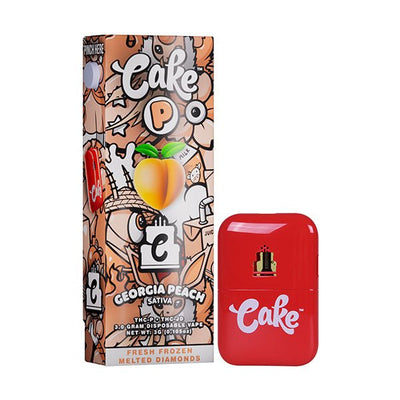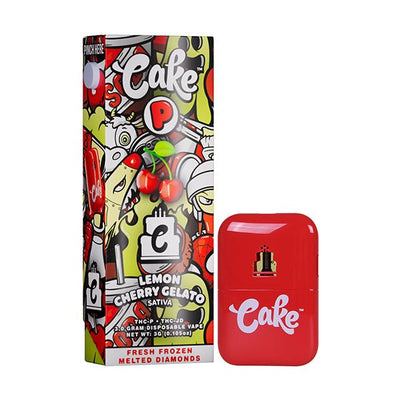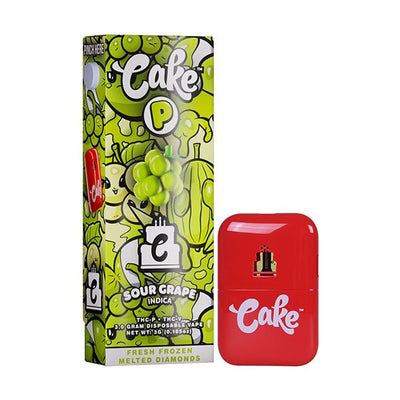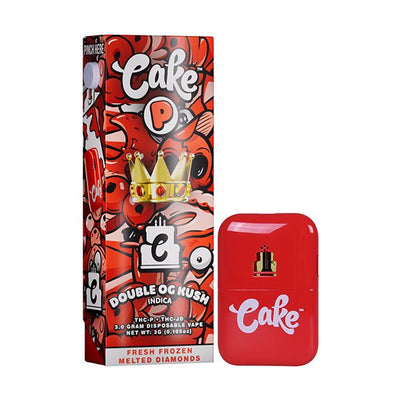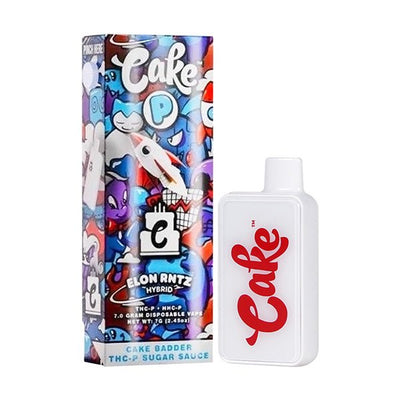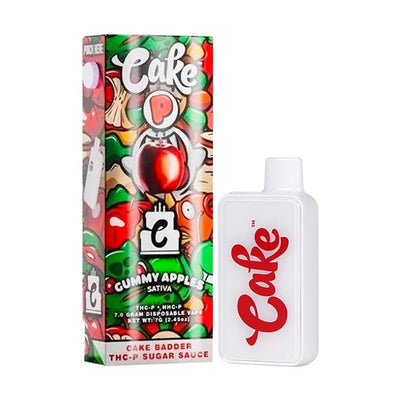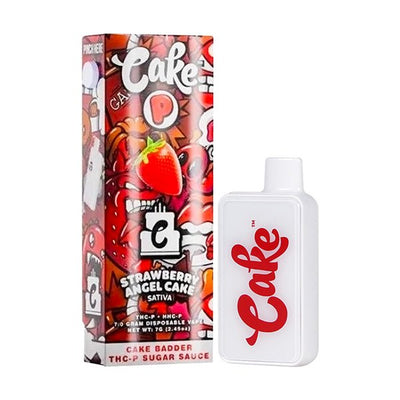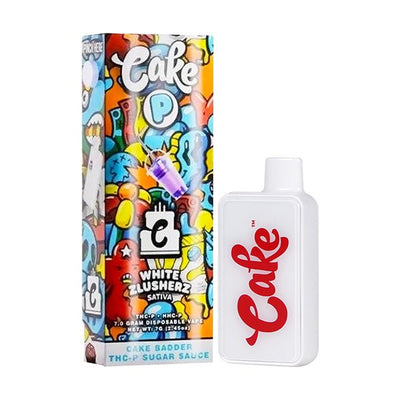













Get a FREE Gummy or Vape
Sign up to get a FREE welcome vape or gummy on your first order when you buy 4 or more products.


Need cake vape pen how to use steps that work in 2026? This guide explains exactly how to use a Cake device from unboxing to your first pull, plus cake vape charging instructions for popular 3g and 7g models. You will learn how to turn it on, inhale correctly, adjust temperature settings, and troubleshoot issues like blinking lights, weak vapor, and clogs.
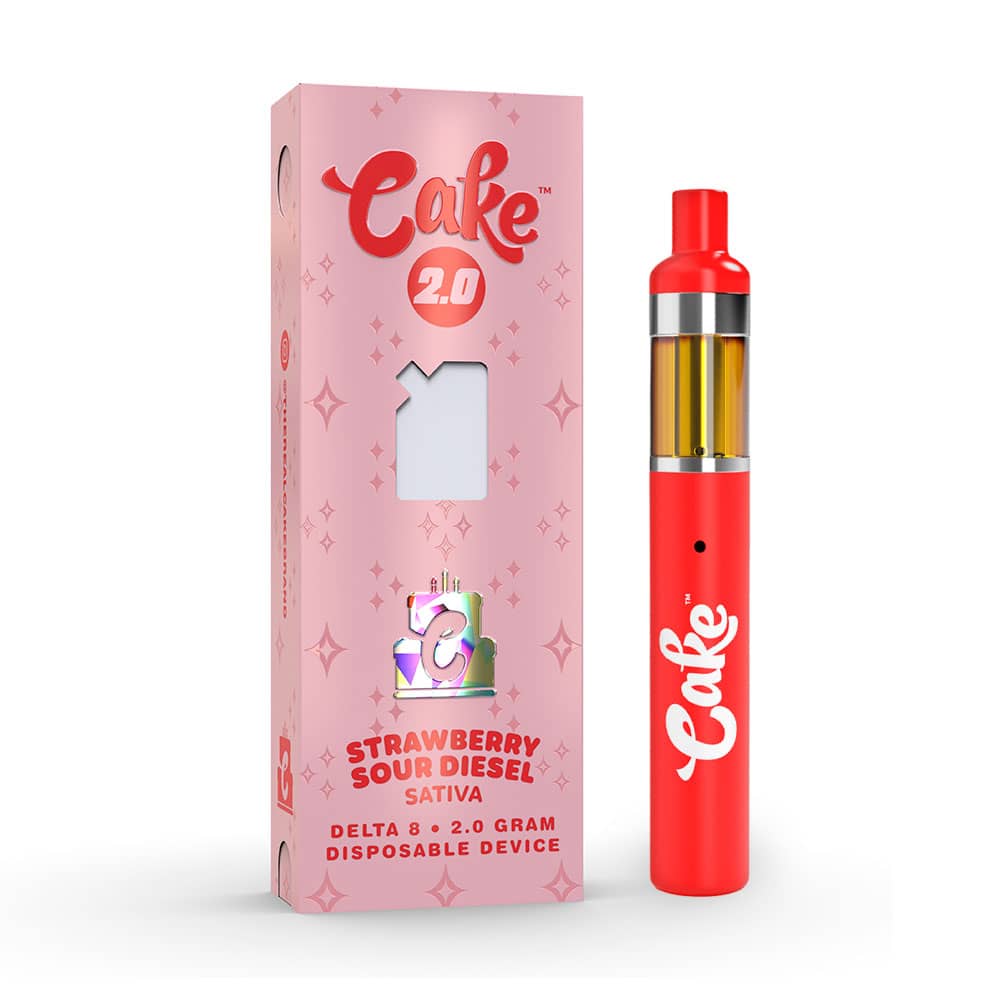
If you are new to Cake vape pens, start with the quick Q and A below, then follow the step by step sections for your exact model. You can also browse Cake disposable vape options, carts, and more in our Cake collection.
===ARTICLE_CTA===
How to Use a Cake Vape Pen: Quick Start
Q: How do I use a Cake vape pen for the first time?
A: Remove any silicone plugs, confirm whether it is draw-activated or button-activated, then take a slow 2 to 4 second pull and wait 20 to 60 seconds between hits.
Q: How do you turn on a Cake vape pen?
A: If it has a button, press it 5 times quickly to power on. If it has no button, it is draw-activated and turns on when you inhale.
Q: What is the best inhale technique to avoid burnt hits?
A: Use gentle mouth-to-lung pulls, keep draws slow, and avoid chain vaping so the coil can re-saturate and airflow stays clear.
Cake Vape Instructions: Quick Steps
- Unbox and inspect packaging, mouthpiece, and oil window if your model has one.
- Identify activation: draw-activated means inhale to use; button-activated means press the button 5 times to turn on.
- Inhale slowly for 2 to 4 seconds, then pause between hits to prevent harsh vapor.
- Adjust temperature (if available) to protect flavor and reduce throat irritation.
- Charge via USB-C if the device feels weak — all current Cake models use USB-C.
Unboxing and Getting Started
When you first get your Cake vape pen, use this checklist before you take your first hit:
- Unbox carefully: Remove the device and check the box and packaging for damage or tampering.
- Check for leaks or cracks: Make sure the mouthpiece is intact and the device is not leaking oil or liquid.
- Remove protective covers: Many models include silicone caps or plugs. Remove them so the airflow path is open and the device can produce vapor.
Using a Draw-Activated Cake Vape Pen
Many Cake disposables are draw-activated, meaning they start working as soon as you inhale. This is the simplest cake vape how to use method for beginners.
- Hold the vape properly: Keep the mouthpiece comfortable and the device upright.
- Inhale gently: Use slow, steady draws for smoother vapor and better flavor.
- Pause between hits: Waiting helps prevent burnt flavor, hot vapor, and dry hits.
If a draw-activated device feels clogged, do not pull harder. Hard pulls can worsen a clog and cause spitback. Use the unclog steps in the troubleshooting section below.
Using a Button-Activated Cake Vape Pen
- Power on: Press the power button five times quickly to turn the device on.
- Press and hold to inhale: Hold the button while taking a slow pull through the mouthpiece.
- Adjust settings if available: Press the button three times to cycle temperature or voltage settings (often low, medium, high).
- Turn off: Press the button five times quickly to power off.
Adjusting Settings for a Better Experience
Some models let you change temperature or voltage. These quick guidelines help protect taste and reduce harshness:
- Low temperature: Best for smooth, terpene-forward flavor and lighter vapor.
- Medium temperature: Balanced option for flavor and stronger vapor output.
- High temperature: Stronger effects and thicker vapor, but it can feel harsher and burn faster if you chain vape.
Start low if you are new, then adjust slowly until you find a setting that gives you smooth pulls without throat irritation.
Types of Cake Vape Pens
Cake offers several formats, and the instructions vary slightly by device style:
- Draw-activated disposables: No buttons, inhale to activate, simplest for first-time users.
- Button-activated disposables: More control and settings on some models.
- Rechargeable models (3G, 7G): Designed for longer sessions, USB-C charging port at the bottom.
Regardless of format, the biggest performance factors are airflow, battery level, and how hard you inhale. Want to know what effects to expect? Read can a Cake vape get you high.
Cake 3G/7G Charging Instructions
Current Cake devices use USB-C charging. Follow these steps to protect the battery and keep hits consistent:
- Locate the USB-C port at the bottom of the device.
- Use a standard USB-C cable and a wall adapter or computer port. Avoid fast-chargers unless specified.
- Check the LED indicator: A light turns on or blinks while charging. When fully charged it turns off or changes color.
- Typical charge time: Most 3G and 7G devices take 45–120 minutes depending on remaining battery.
- Unplug when full: Do not leave it charging overnight to preserve battery life.
Tip: If your device blinks when you try to hit it, charge it first. If it still blinks after charging, the airflow path may be blocked — see our Cake unclog guide.
How to Maintain Battery Life
- Use a compatible USB-C cable: Stick to cables that fit properly without forcing.
- Do not chain vape: Back-to-back hits can overheat the coil and drain the battery faster.
- Store at moderate temperatures: Extreme heat or cold reduces battery performance and thickens oil.
Cake Vape Pen Common Problems and Quick Fixes
- No vapor production: Take a slower draw, confirm airflow is not blocked, and confirm the device is on if button-activated. See why your Cake vape pen is not lighting up.
- Weak or burnt flavor: Lower the temperature setting if available, shorten your pulls, and pause between hits so the coil can re-saturate.
- Clogged airflow: Condensation can block the mouthpiece. Use gentle pulls and follow our guide on how to unclog your Cake vape pen.
- Disposable not hitting at all: See our full guide on Cake disposable not hitting for a step-by-step checklist.
How to Choose the Right Cake Vape Pen for You
Cake devices vary by blend, flavor, and activation style. Use these quick filters while shopping:
- Flavor preference: Choose profiles you like and keep settings lower if you want more flavor retention.
- Effect needs: Different cannabinoids and blends feel different — check the product details and start with small pulls.
- Model preference: If you want the simplest option, choose draw-activated. If you want more control, choose button-activated with settings.
Browse the full range of Cake vape pens at DeltaCloudz, including 3G, 7G, THCA, and THC-P options.
Ready to shop? Browse all Cake vapes at DeltaCloudz →
-
===PRODUCT_9960263254308===
-
===PRODUCT_9960281243940===
-
===PRODUCT_9960286191908===
-
===PRODUCT_9960314306852===
-
===PRODUCT_10071542694180===
-
===PRODUCT_10071599415588===
-
===PRODUCT_10071599415588===
-
===PRODUCT_10071542169892===
For a dedicated walkthrough on activation, see our guide on how to turn on a Cake vape pen.
DeltaCloudz Notes for 2026 Shoppers
Using a Cake device is straightforward once you know whether it is draw-activated or button-activated. Use slow pulls, keep airflow clear, and charge via USB-C when the device feels weak. Shop the full lineup here: Cake collection at DeltaCloudz.
How to Use Cake Vape Pen FAQs
How do you use a Cake vape pen for the first time?
Remove protective caps, check the airflow, and inhale gently if it is draw-activated. If it has a button, press it five times to turn it on, then take a slow pull. That is the simplest way to learn how to use a Cake vape correctly.
Is my Cake vape pen draw-activated or button-activated?
Most disposables are draw-activated, but some newer models include a power button. If it does not activate on a gentle inhale, look for a button and press it five times quickly.
Why is my Cake vape pen not hitting?
Common causes include a clog, low battery, restricted airflow, or the device being powered off. Try gentle pulls, charge it via USB-C, and use the unclog guide if airflow feels blocked.
What is the easiest way to follow cake vape pen how to use steps?
Start with draw-activated basics: slow 2 to 4 second pulls and pauses between hits. If your model has a button, turn it on with five clicks, then press and hold while inhaling.