













Get a FREE Gummy or Vape
Sign up to get a FREE welcome vape or gummy on your first order when you buy 4 or more products.


If you're new to Cake vape pens, figuring out how to turn one on is simpler than it looks — the process is different depending on whether your device has a button or activates automatically when you inhale. This guide covers both, so you can get your device going in under a minute.
For a complete walkthrough that goes beyond activation including temperature settings, charging, flavor switching, and troubleshooting see our full Cake vape guide. If you're ready to shop, browse the full Cake collection all models in stock
Cake Disposable Vape Pens: What to Know First
Cake disposable vape pens are pre-filled devices with hemp-derived cannabinoid blends Delta-8, THCA, THC-P, and more — designed for convenience and consistent performance. Current Cake models are all USB-C rechargeable and come in 3G and 7G formats.
If you want to compare Cake against other brands, see our delta-8 disposables collection.
What Does the Button on a Cake Vape Do?
On button-activated Cake pens, the button controls everything power, preheat, and temperature settings. Five quick clicks power it on or off. Once it's on, you hold the button down while you inhale — that fires the coil and produces vapor. A rapid double-click activates preheat, which warms the oil before your draw — useful on the first hit of the day or in cold weather.
If your Cake pen has a small screen or colored light, three clicks cycles through voltage or temperature settings. Lower settings give smoother, more flavorful hits; higher ones produce thicker vapor and stronger effects.
Locating the Power Button and Charging Port
Button-activated models have the power button on the device body — usually centered or near the base. Draw-activated units have no button at all and respond directly to your inhale. On all rechargeable Cake devices, the USB-C charging port sits at the base of the device. Keep the port clean — debris can block charging and cause intermittent performance issues.
Ensuring the Device is Fully Charged
Most Cake devices arrive pre-charged and ready for use. Check the LED indicator before your first session — a blinking or color-changing light means it's time to charge. Plug in via USB-C for 30–60 minutes if the battery is low. Don't leave it charging overnight; unplug once the indicator light turns solid or off.
Draw-Activated Cake Vape Pens
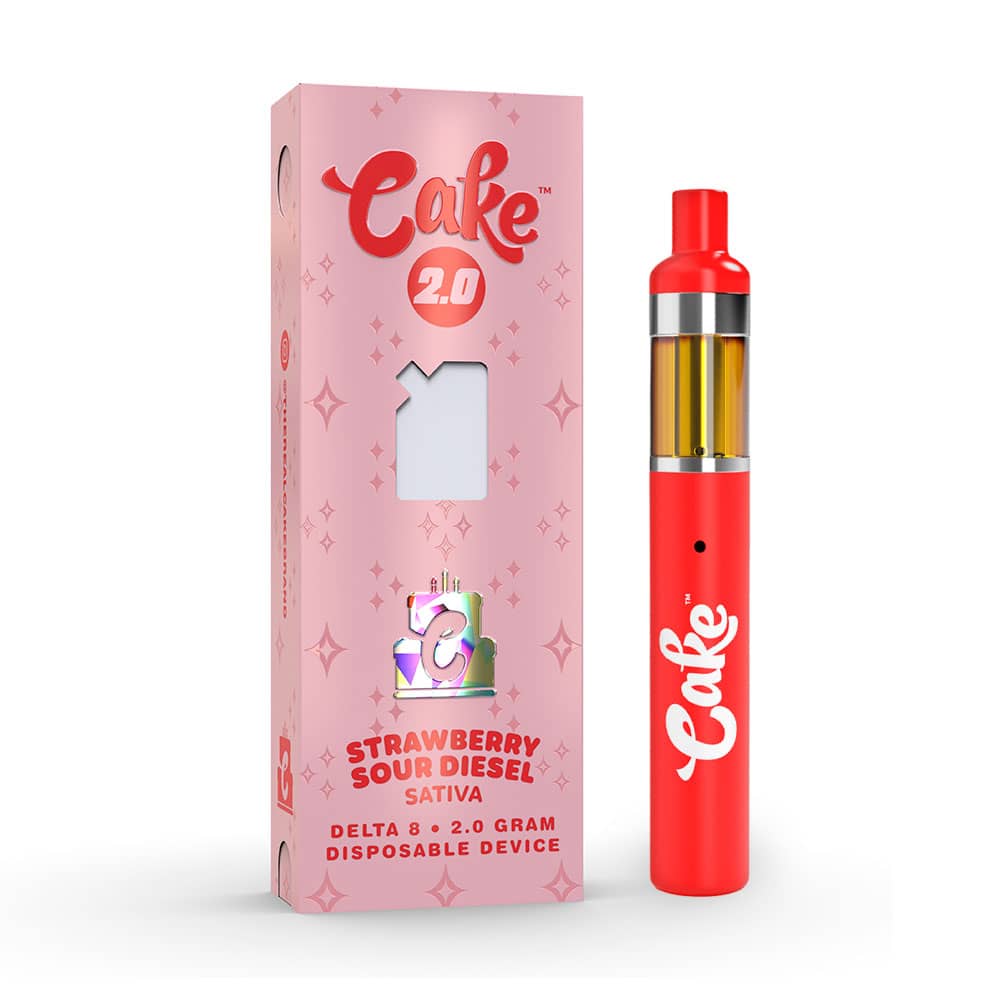
Many Cake disposable vape pens are draw-activated — no button, no setup. The device turns on the moment you inhale.
How to use a draw-activated Cake vape:
1. Unbox your Cake vape pen. Remove all packaging and check that the device is intact. Remove any protective cap from the mouthpiece before use.
2. Inhale gently. Take a slow, steady puff from the mouthpiece. The pen activates automatically and produces vapor.
3. Pause between puffs. Allow a few seconds between inhales so the coil can cool slightly and deliver smoother hits.
-
===PRODUCT_10071541973284===
Button-Activated Cake Vape Pens
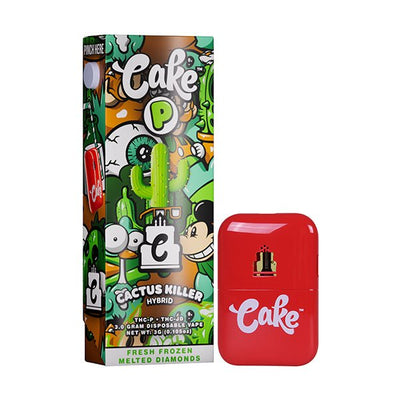
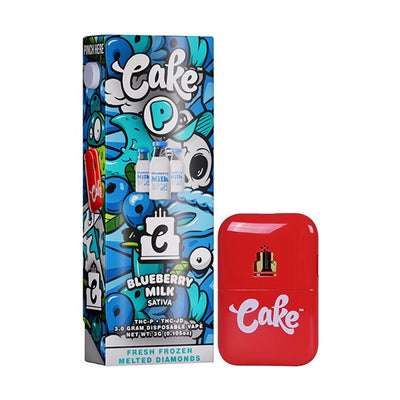
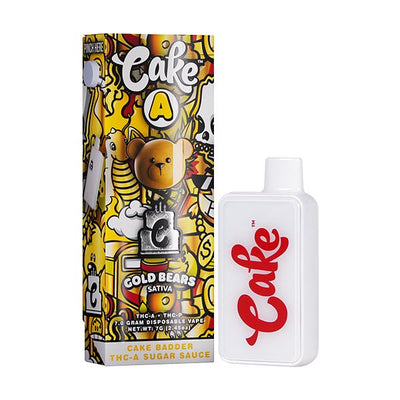
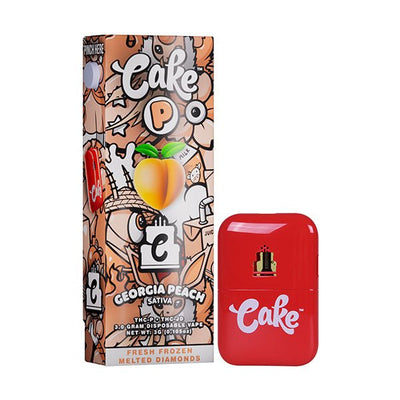
Some Cake vape pens feature a power button, giving you more control over activation and temperature settings. Models like the Cake A 7G and Cake P series are button-activated.
How to Turn Off a Cake Vape Pen
Turning a Cake pen off is the same motion as turning it on: five quick clicks of the button. The light or screen will flash to confirm it's powered down. Switching it off between sessions isn't strictly necessary — the device won't fire on its own — but it prevents accidental activation in a pocket or bag and saves battery over time.
Draw-activated Cake pens have no button, so there's nothing to switch off — they sleep between draws and wake when you inhale.
-
===PRODUCT_10071541514532===
-
===PRODUCT_10071849828644===
How to turn on a button-activated Cake vape pen:
1. Locate the power button on the device body and press it 5 times quickly. The LED light will flash to confirm the device has powered on.
2. Activate preheat (optional): Press the button twice rapidly to thin the oil for smoother hits. The LED will pulse during preheat.
3. Inhale and enjoy: Press and hold the button while inhaling through the mouthpiece.
4. Adjust temperature (if available): Press the button 3 times to cycle through low, medium, and high heat settings.
5. Turn off: Press the button 5 times quickly.
If your Cake vape pen doesn't turn on after these steps, it likely needs charging. Plug in via USB-C for at least 30 minutes before trying again. Need a more complete guide? Our full Cake usage guide covers every model in detail.
-
===PRODUCT_10071823450404===
-
===PRODUCT_10071542694180===
How do I get my Cake disposable to hit?
To ensure your Cake disposable hits properly: confirm the battery is charged via USB-C, inhale slowly and steadily, hold the button while inhaling if button-activated, and remove any protective caps from the mouthpiece.
If it still isn't working, check for airflow blockages. See our unclog guide and our guide on why your Cake vape isn't lighting up for step-by-step fixes.
Nothing working? Get a fresh Cake vape at DeltaCloudz — all models in stock.
-
===KLA===