













Get a FREE Gummy or Vape
Sign up to get a FREE welcome vape or gummy on your first order when you buy 4 or more products.


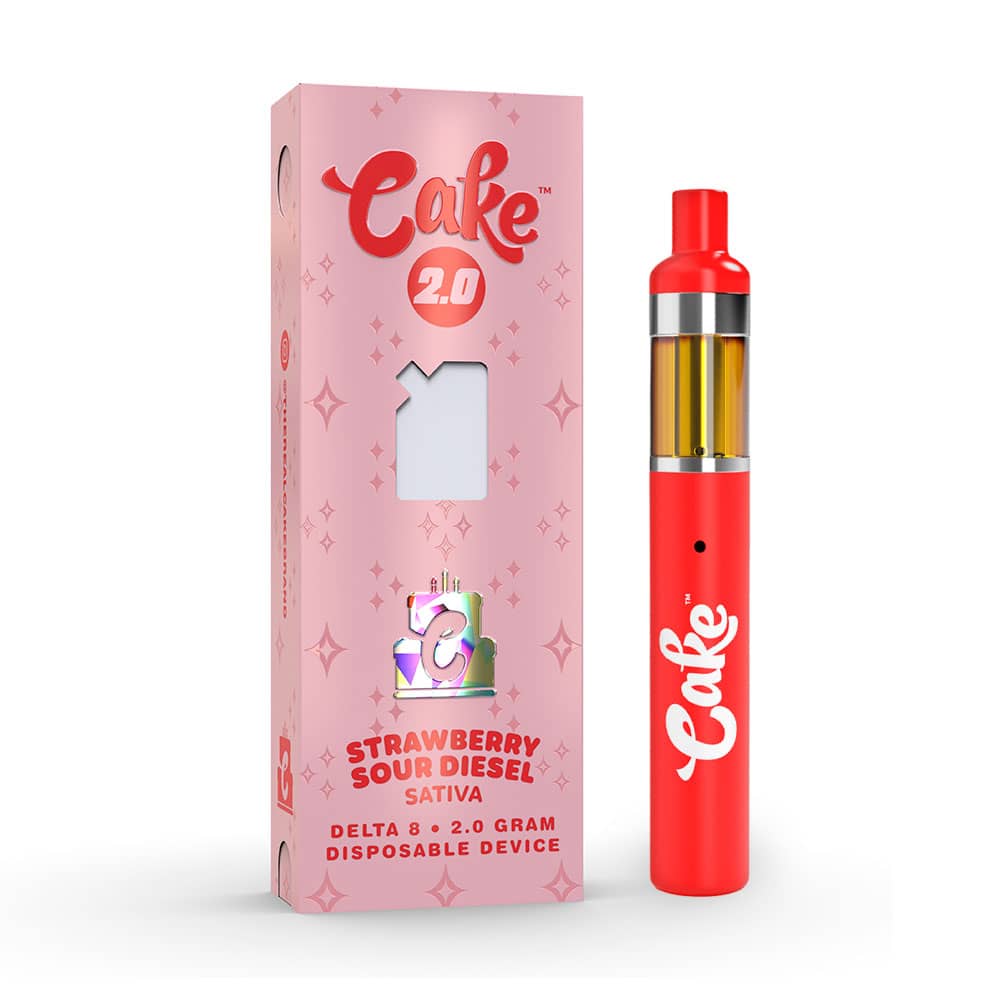
If your Cake pen isn't lighting up when you hit it or isn't lighting up when charging , the fix depends on which of those two situations you're dealing with. They have different causes and different solutions. This guide covers both, plus every other reason a Cake vape LED might stop responding.
If the device is lighting up but still not producing vapor, check our Cake disposable not hitting guide instead, that's a separate issue. Not sure how to operate your device in the first place? See our full Cake usage guide.
===ARTICLE_CTA===
Common Reasons Your Cake Pen Isn't Lighting Up
The LED indicator on a Cake vape pen is your main signal for what's going wrong. Here's what each scenario typically means:
-
No light when you inhale (draw-activated): Battery is dead, airflow sensor is blocked, or the device has a connection issue.
-
No light when you press the button (button-activated): Battery is completely drained or the button isn't making contact.
-
No light when plugged in to charge: Wrong charger, damaged USB-C cable, debris in the charging port, or a defective unit.
-
Light blinks rapidly and shuts off: Short circuit protection triggered , usually from a clog blocking airflow or a flooded coil.
-
Light blinks a set number of times: Low battery warning on most Cake models , charge immediately via USB-C.
Step-by-Step Troubleshooting Guide
Step 1: Check and Charge the Battery
A dead battery is the most common reason a Cake pen stops lighting up entirely. If the LED doesn't respond at all , whether you're hitting it or pressing the button , start here.
Plug in via USB-C using a cable you know works. Charge for at least 20–30 minutes before testing again. If the charging indicator doesn't light up either, move to Step 5 , the issue may be the cable or port, not the battery itself.
-
===PRODUCT_8984598642980===
-
===PRODUCT_10071858708772===
-
===PRODUCT_10071638475044===
Step 2: Clean the Mouthpiece and Airflow Holes
On draw-activated Cake disposables, the device activates via an airflow sensor , not a button. If the mouthpiece or air holes are blocked by residue or condensation, the sensor doesn't fire and the LED stays dark even on a full battery.
Use a cotton swab to gently clean the mouthpiece opening and any small air holes around the base or sides of the device. For heavier residue, lightly dampen the swab with isopropyl alcohol. Let it dry fully before testing. For a more detailed clog walkthrough, see our Cake unclog guide.
Step 3: Try Inhaling More Gently
If the device is draw-activated and not lighting up on a hard pull, try the opposite , a slow, gentle inhale. Hard draws can create turbulence that confuses the airflow sensor, especially on a device that's slightly clogged. A soft, steady 2-second draw is usually enough to trigger the LED and coil.
Step 4: Inspect the Connection Point
For Cake cart-style devices, a loose or dirty connection between the cartridge and battery prevents the circuit from completing , no circuit, no light. Unscrew the cart, inspect the threading and metal contact point at the base, and clean any visible residue with a dry cotton swab. Reattach firmly and test.
Step 5: Try a Different USB-C Cable or Charger
If your Cake pen isn't lighting up when you plug it in to charge, the problem is often the cable , not the device. Worn or low-quality USB-C cables frequently cause charging failures that look like a dead device.
Try a different USB-C cable and plug into a standard wall adapter or computer port , avoid fast-chargers, which can push too much current through a small vape battery. If the charging indicator still doesn't light up after switching cables, the charging port itself may have debris. Use a dry toothpick to carefully clear any lint or residue from the port opening.
Step 6: Inspect for Physical Damage
Check the pen for visible cracks, dents, or a bent charging port. A dropped device can dislodge internal connections even if it looks fine externally. If the device is visibly damaged, replacing it is the safest option , attempting to repair a damaged lithium battery device isn't recommended.
Cake Cart Charger: What to Use and What to Avoid
One of the most common reasons Cake pens stop charging , and stop lighting up , is using the wrong charger. All current Cake disposables and rechargeable models use a standard USB-C port. Here's what works and what doesn't:
-
Use: Any standard USB-C cable plugged into a regular 5V wall adapter or USB port. The same cable that charges most Android phones works perfectly.
-
Avoid: Fast-chargers (18W, 30W, 65W). Cake batteries are small and not designed for high-wattage charging. Fast-chargers can damage the battery and cause the device to stop lighting up permanently.
-
Avoid: Cables with frayed ends or that feel loose in the port. A poor connection causes intermittent charging and can look identical to a dead battery.
If the charging light doesn't come on within 60 seconds of plugging in, try a different cable before assuming the device is defective. Damaged cables are the most common culprit for "won't charge" issues on Cake devices.
-
===PRODUCT_8716184650020===
-
===PRODUCT_9960260501796===
-
===PRODUCT_10071636443428===
Why Is My Cake Disposable Not Lighting Up When Charging?
This is a specific scenario that works differently from "not lighting up when I hit it." If your Cake pen lights up fine when you draw but won't show any indicator when plugged in, the charging circuit may be the issue rather than the battery.
Try these in order:
-
Switch to a different USB-C cable , this resolves the issue in most cases.
-
Clean the charging port with a dry toothpick to remove any lint blocking the connection.
-
Try a different power source , wall adapter instead of computer USB, or vice versa.
-
If the device is brand new and won't charge at all, it may be a manufacturing defect. Contact your retailer , DeltaCloudz guarantees authentic, functional devices and handles replacements for defective units.
Other Issues That Look Like a Lighting Problem
Vape tastes burnt
A burnt taste with a functioning LED usually means the coil is overheated or the oil is running low. Give the device 20–30 seconds between draws and lower the temperature setting if your model has one. If the burnt taste persists across multiple sessions, the coil is likely at end of life.
No vapor but LED lights up
If the LED activates but there's no vapor, the issue is airflow , not the LED or battery. The coil is firing but vapor isn't reaching you. See our Cake unclog guide for step-by-step fixes.
Vape leaking from the mouthpiece
Leaking combined with a dim or flickering LED usually means the coil is flooded , too much oil has pooled near the heating element. Let the device sit upright for a few minutes, then try a series of short gentle draws without holding the button (if button-activated) to clear the excess oil.
Nothing worked , time for a new Cake vape
Every disposable vape has a lifespan. Cake 3G devices deliver roughly 600–900 puffs; 7G models can exceed 1,400. Once the battery or coil reaches end of life, no troubleshooting step will restore full performance. If you've worked through every fix above and the Cake pen still isn't lighting up, it's time for a replacement.
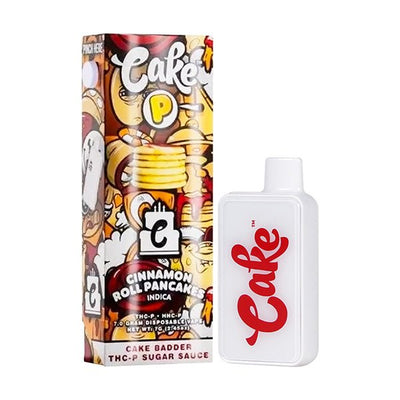
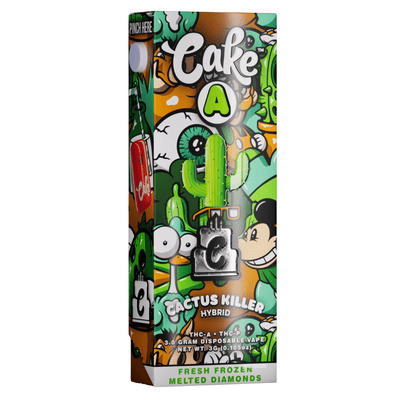
DeltaCloudz carries the full Cake lineup Delta-8, THCA, and THC-P in 2G, 3G, and 7G formats. Every device is lab-tested, authentic, and guaranteed to work. Shop the full Cake collection here and get your replacement shipped fast.
Want to compare Cake against other delta-8 brands before you decide? Browse our full delta-8 disposables collection , top-rated options from multiple brands, all in stock.
Frequently Asked Questions:
Why is my Cake pen not lighting up when I hit it?
The most common causes are a dead battery, a blocked airflow sensor, or a clogged mouthpiece. Charge via USB-C for 30 minutes, clean the mouthpiece with a cotton swab, and try a gentle draw. If none of those work, inspect the connection point between the cart and battery.
Why is my Cake disposable not lighting up when charging?
Usually a cable issue. Try a different USB-C cable first , worn cables cause most charging failures that look like a dead device. Also check the charging port for debris and avoid fast-chargers, which can damage small vape batteries.
What does it mean when my Cake pen blinks and shuts off?
Rapid blinking followed by shutting off is usually short-circuit protection, triggered by a clog blocking the airflow sensor or a flooded coil. See our unclog guide to clear the blockage.
My Cake pen not hitting or lighting up , what should I check first?
Start with the battery charge for at least 20–30 minutes. If it charges and still doesn't hit, the issue is airflow. Clean the mouthpiece and air holes with a cotton swab. If it still doesn't respond, see our full not hitting guide for a complete checklist.
Where can I get a replacement Cake vape?
DeltaCloudz stocks authentic, lab-tested Cake vapes in every format 2G, 3G, and 7G, across Delta-8, THCA, and THC-P. Shop Cake vapes at DeltaCloudz and get your replacement shipped fast.
===KLA===