













Get a FREE Gummy or Vape
Sign up to get a FREE welcome vape or gummy on your first order when you buy 4 or more products.


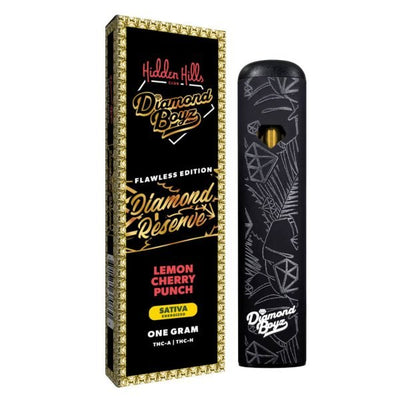
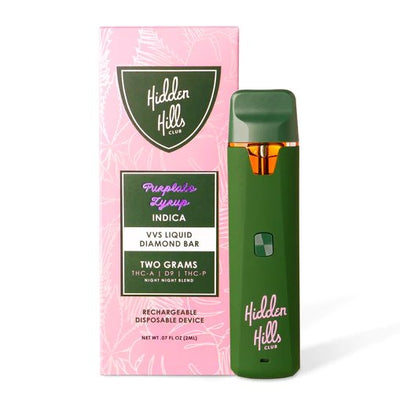
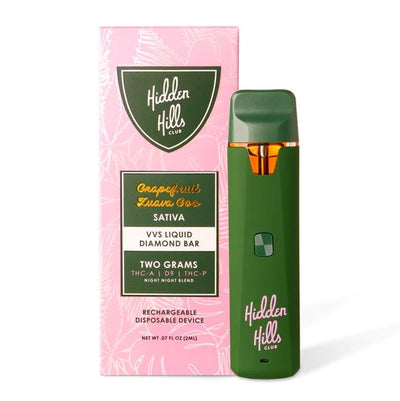
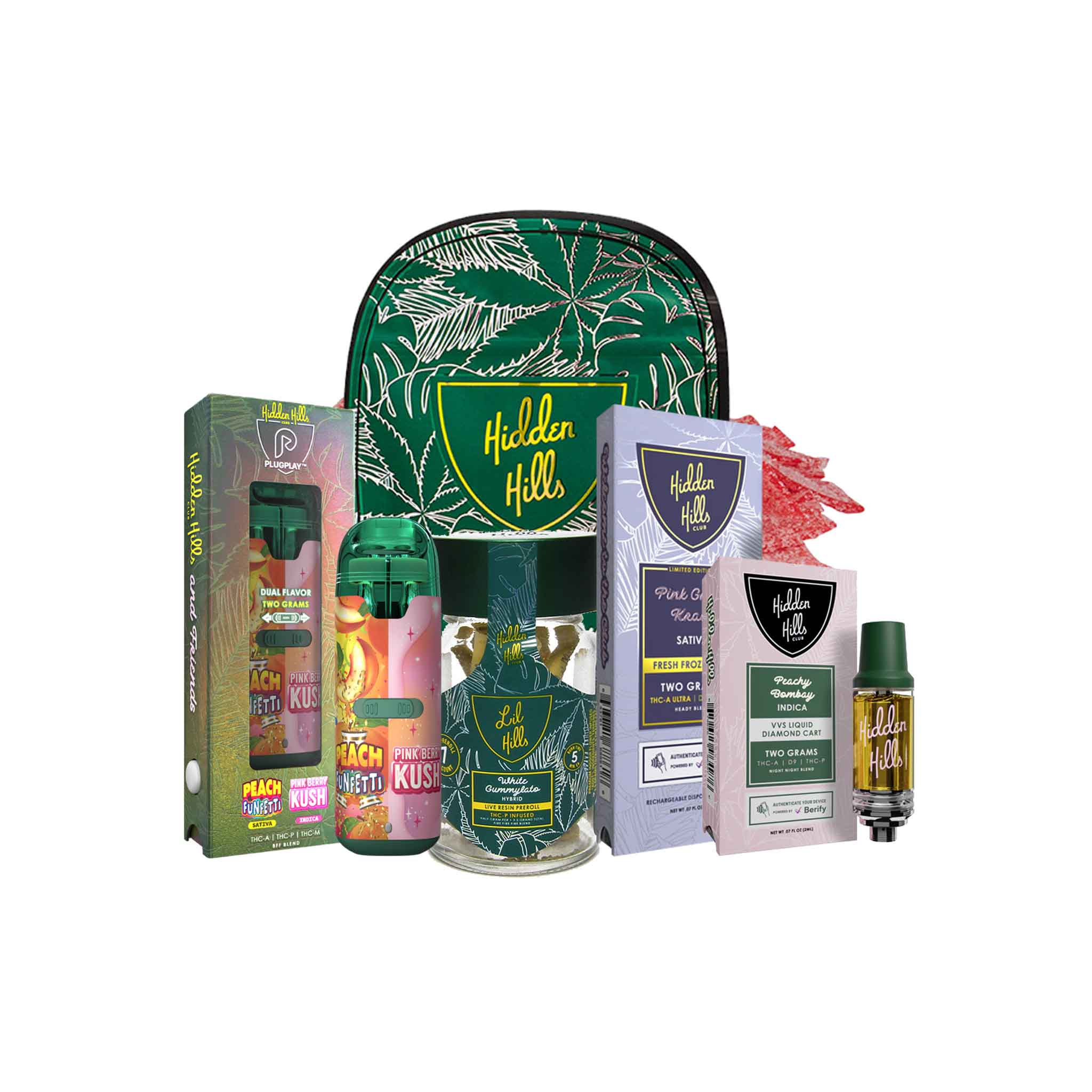
Knowing how to charge Hidden Hills vape devices across all models is straightforward once you know where the port is. All current Hidden Hills disposable vapes charge via USB-C at the base of the device. This guide covers the full charging process for every model, including the Mini Mart 1G, VVS Liquid Diamonds 2G, Fresh Frozen Bar 2G, Live Resin Bar 2G, Live Sugar Bar 3G, and Diamond Reserve 1G, plus what each LED color means during charging, how to fix the most common charging problems, and when to charge versus when the device is at end of life. If you are looking for hidden hills disposable instructions on charging specifically, this covers every step.
All current models are available at DeltaCloudz. If you need a replacement or want to try a different line, browse Hidden Hills Club with full stock visibility before ordering.
===ARTICLE_CTA===
What You Need to Charge a Hidden Hills Vape
Every current Hidden Hills model uses a standard USB-C charging port at the base of the device. You do not need a proprietary cable or brand-specific charger. Any USB-C cable connected to a 5V wall adapter, USB port, or power bank works. Avoid fast chargers and high-wattage adapters. The 650mAh battery in 2G and 3G models is designed to charge at standard 5V output. Fast chargers can accelerate battery degradation over time without speeding up the charge meaningfully.
Step-by-Step: How to Charge Your Hidden Hills Vape
-
Flip the device over and locate the USB-C port at the base. It is small, centered, and reversible, USB-C fits either way.
-
Insert the USB-C cable firmly but gently. Do not force it. If there is resistance, check for lint or debris in the port.
-
Connect the other end to your power source. Wall adapter is preferred over laptop USB port for more consistent charge output.
-
Confirm the LED or screen activates. Most models show a light or vibrate briefly when charging begins. If nothing happens within 30 seconds, try a different cable.
-
Wait for a full charge. Charge times by model are in the table below. Do not use the device during charging.
-
Unplug when charging is complete. The LED changes or turns off to signal a full charge. Do not leave plugged in overnight.
Charge Times by Model
| Model | Capacity | Charge Time (low to full) | Port |
|---|---|---|---|
| Mini Mart 1G | 1G | 15 to 20 minutes | USB-C base |
| Diamond Reserve 1G | 1G | 15 to 20 minutes | USB-C base |
| Fresh Frozen Bar 2G | 2G | 20 to 30 minutes | USB-C base |
| VVS Liquid Diamonds 2G | 2G | 20 to 30 minutes | USB-C base |
| Live Resin Bar 2G | 2G | 20 to 30 minutes | USB-C base |
| Live Sugar Bar 3G | 3G | 30 to 45 minutes | USB-C base |
Hidden Hills Charging LED Guide: What Each Light Means
LED behavior differs between charging mode and active use mode. The same light color can mean different things depending on whether the device is plugged in or in use.
| LED Behavior | While Charging | While Drawing (not plugged in) |
|---|---|---|
| Solid red | Charging in progress (normal) | High voltage mode OR low battery |
| Solid white or blue | Charging complete OR not charging | Normal draw operation at low voltage |
| Solid green | Charging in progress (some models) | Normal draw at medium voltage |
| Rapid flashing any color | Cable or connection issue | Auto-cutoff triggered |
| No light at all | Cable not making connection | Dead battery or protective cover on |
What Does the Red Light Mean on a Hidden Hills Vape?
A solid red light while your Hidden Hills is plugged in almost always means the device is actively charging. This is normal. A solid red light while drawing without being plugged in means either low battery (charge soon) or high voltage mode on button-controlled models. Rapid red blinking while plugged in indicates a connection issue: try a different cable or clean the port. A solid red with no vapor response while drawing indicates the battery is too depleted to fire, leave it charging for 20 minutes before trying again.
How to Charge Hidden Hills Lil Hybrid and Mini Mart 1G
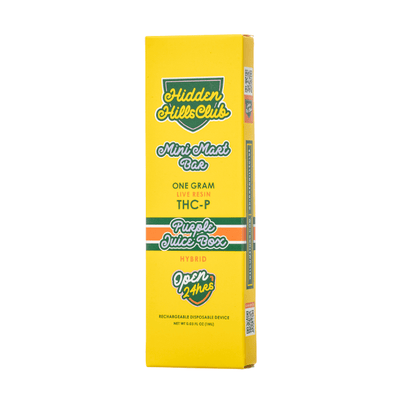
The Hidden Hills Mini Mart 1G and Lil Hybrid are the smallest format in the lineup. Charging process is identical to 2G models: USB-C at the base, 5V adapter, standard cable. Because the 1G battery is smaller, full charge takes 15 to 20 minutes rather than the 25 to 30 minutes for 2G models. The Mini Mart's compact design means the USB-C port can be harder to locate, look at the very base, not the side. The Lil Hybrid charges via the same USB-C port at the base.
Hidden Hills Club Mini Mart charging instructions: connect via USB-C to any 5V source, wait for the LED to change from active charging color to full, unplug. Do not overcharge. The 1G battery completes a full charge cycle faster than 2G models and should be unplugged as soon as the LED signals completion.
-
===PRODUCT_10020761174308===
-
===PRODUCT_10020351672612===
The Mini Mart Live Resin 1G is the most accessible entry format in the Hidden Hills lineup. It uses the same USB-C charging as all larger models. For users who want to try Hidden Hills before committing to a 2G device, Hidden Hills Mini Mart collection including 1G, 2G, and 3G options currently in stock.
How to Know When Your Hidden Hills Needs Charging
Charge when any of these occur: LED blinks 3 to 5 times during a draw, vapor production drops noticeably on a device with visible remaining oil, no LED and no vapor on a known-working device. Do not wait until the battery is fully dead before charging, partial discharge cycles are better for battery longevity than running to zero repeatedly.
Do not confuse low battery with a clog. If the LED lights up normally but vapor is weak or restricted, the issue is airflow, not charge. See the Hidden Hills troubleshooting guide for airflow and clog fixes.
Charging by Model: Model-Specific Notes
VVS Liquid Diamonds and Diamond Reserve (Button-Activated)
These models use a multifunction button. After charging, click the button 5 times to power on before drawing. Double-click for preheat mode. 5 clicks again to power off. If the device shows a full charge but does not respond to draws, confirm it is powered on The VVS Liquid Diamonds format is part of the Delta-8 disposable catalog. Browse Delta-8 disposables to see all Delta-8 options alongside the VVS., draw-activated mode requires the button-unlock sequence first.
-
===PRODUCT_8632214847780===
-
===PRODUCT_8632177885476===
Fresh Frozen Bar
The full VVS lineup, including both disposable and cart formats, is at Hidden Hills VVS collection.
, Live Resin Bar, Live Sugar Bar (Draw-Activated)
No button sequence needed after charging. Plug in, charge to full, unplug, draw. If the device does not hit immediately after charging, check that any airflow sticker or mouthpiece cover is removed. A device that charges correctly but produces no vapor after charging almost always has a protective cover still in place.
-
===PRODUCT_9624209850660===
-
===PRODUCT_9624347377956===
The Fresh Frozen Bar 2G is the most popular Hidden Hills format and the most commonly charged model. For a full breakdown of all six Hidden Hills lines, see the Hidden Hills vape review. To shop the full lineup, Hidden Hills vapes collection covers all 42 available disposables.
Common Charging Problems and Fixes
Device Will Not Charge (No LED When Plugged In)
Most charging failures are cable issues. Try a different USB-C cable first. If that does not work, inspect the charging port for lint or debris and clear gently with a toothpick or compressed air, do not use metal tools. Try a different power source (wall adapter instead of laptop port). If the device still shows no response after two different cables and two power sources, the battery may be defective.
LED Stays On But Device Hits Weakly After Charging
Two causes: battery aging past its capacity (common after many full charge cycles), or the oil is genuinely at end of life. Check the oil window. If no oil is visible, the device is done. If oil remains, the ceramic coil may be at end of life, the battery is charged but the coil cannot produce vapor effectively.
Device Charges But Will Not Hit After
For draw-activated models: check that the airflow sticker or mouthpiece cover is fully removed. A new device that charges correctly but produces nothing on draw almost always has a seal still in place. For button-activated models: confirm the device is powered on (5 clicks). If still no vapor on a confirmed-powered, confirmed-charged device, check for a clog. Take 2 to 3 short sharp draws without inhaling to clear condensation from the airway.
Battery Life Tips
-
Charge before the battery hits zero when possible, partial cycles extend battery life
-
Store upright at room temperature, cold thickens oil and puts extra strain on the battery
-
Use a standard 5V USB charger, not fast-charge or high-wattage adapters
-
Unplug when the LED signals full, do not leave charging overnight
Frequently Asked Questions:
What cable does Hidden Hills vape use?
All current Hidden Hills models use a standard USB-C cable. Any USB-C cable works. The brand does not require a proprietary charger. Connect to any 5V USB-C source: wall adapter, power bank, or computer port.
How long does it take to charge a Hidden Hills vape?
1G models (Mini Mart, Diamond Reserve): 15 to 20 minutes. 2G models (Fresh Frozen Bar, VVS Liquid Diamonds, Live Resin Bar): 20 to 30 minutes. 3G Live Sugar Bar: 30 to 45 minutes. These times assume low battery. A partially depleted battery charges faster.
What does the red light mean on a Hidden Hills vape while charging?
A solid red light while plugged in means the device is actively charging, this is normal and expected. Rapid red blinking while plugged in indicates a cable or connection issue. A solid red light while drawing without being plugged in means either low battery or high voltage mode on button-controlled models.
Can I use my Hidden Hills while it's charging?
Not recommended. Using the device during charging generates excess heat that degrades the battery faster. Charge fully first, then use. The 2G models charge in 20 to 30 minutes, so the wait is short.
Why is my Hidden Hills not charging?
In order: try a different USB-C cable (most common fix), clean the charging port with a toothpick or compressed air, try a different power source. If the device still shows no LED response after all three steps, the battery may be defective. If purchased from an authorized retailer, contact support.
How do I charge the Hidden Hills Mini Mart or Lil Hybrid?
Same process as all other models: USB-C at the base, 5V adapter, 15 to 20 minutes from low to full. The 1G battery charges faster than 2G models. Unplug when the LED changes to signal a complete charge. Do not leave plugged in overnight.
My Hidden Hills charged but now it's not hitting, what's wrong?
For draw-activated models: check for an airflow sticker or mouthpiece cover still in place. For button-activated models: confirm the device is powered on (5 clicks). If it is on and no cover is in place, check for a clog. For more troubleshooting, see the Hidden Hills how-to guide.
All Hidden Hills products sold at DeltaCloudz are hemp-derived and contain less than 0.3% Delta-9 THC by dry weight, compliant with the 2018 Farm Bill. Intended for adults 21 and older. Do not use if pregnant or nursing. Not available in all states. These statements have not been evaluated by the FDA.